Тихуана: San Ysidro Border Crossing
 Тихуана, Мексика
Real-Time Environment
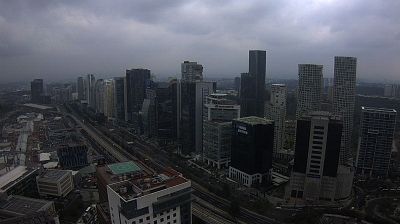
Welcome to the live streaming webcam for Тихуана: San Ysidro Border Crossing, perfectly situated in the vibrant region of Тихуана, Мексика. Watching this live camera allows you to instantly experience the local atmosphere and monitor current climate conditions.

About Тихуана
Тихуа́на — город на северо-западе Мексики, крупнейший в штате Нижняя Калифорния и самый западный во всей Латинской Америке. Расположен в 170 км от столицы штата — Мехикали и в часе езды от портового города Энсенада. Расстояние до столицы страны — 2761 км. Тихуана также является административным центром одноимённого муниципалитета. Отделен государственной границей от города-побратима в США — Сан-Диего, а общая численность населения этих городов превышает 5 млн человек.
📖 Read more on Wikipedia📍 Location Facts
-
Country
 Мексика
- Region Нижняя Калифорния
- City Тихуана
- Coordinates 32.5417°N, -117.0278°E
Have you been to Тихуана?
Help the community! Share your experience, tell us about the weather, or upload your own photos from this exact location.