 Live Webcams in Primorsko
Explore live streaming views from Primorsko, . Check current weather conditions, traffic, and beautiful local spots.
Latest Cameras
24 streams found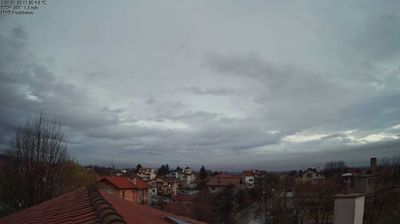


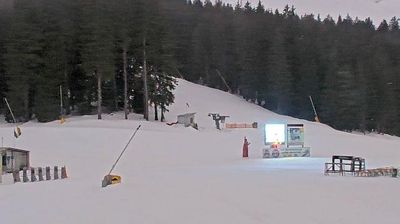
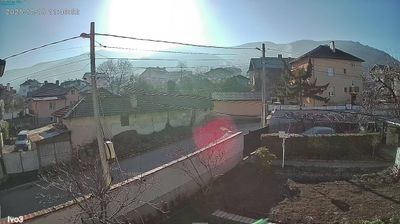
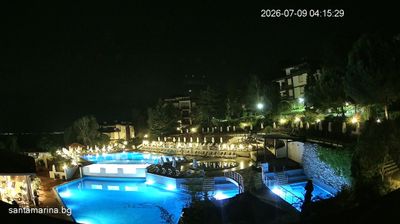
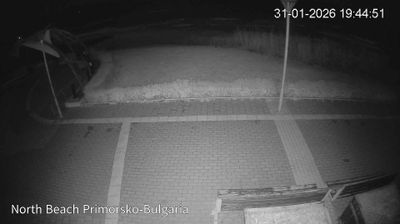
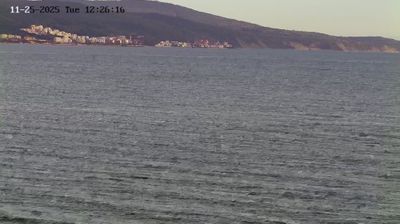

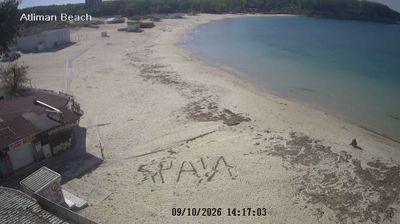
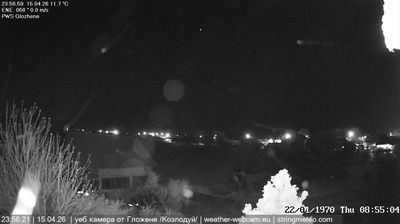
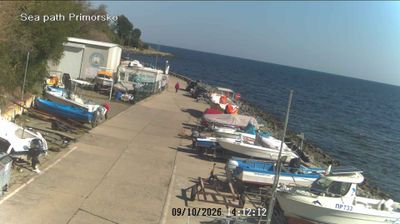

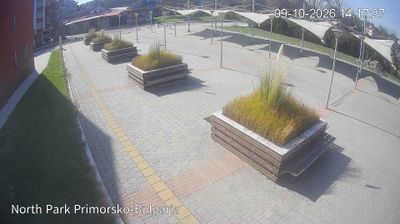
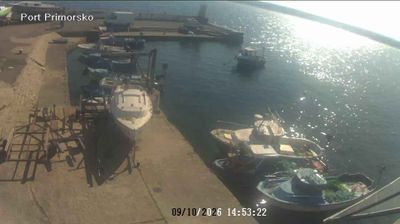
Virtual Travel to Primorsko
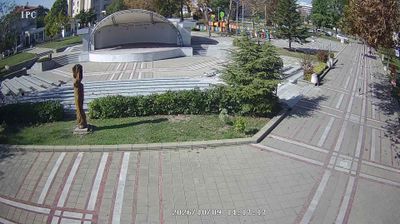
Whether you are planning a real-world visit or just digital globe-trotting, the live webcams in Primorsko offer an unfiltered glimpse into daily life. Watch the sunrise, check the local traffic before your commute, or simply enjoy the urban and natural landscapes that make this location unique. Bookmark this page to easily return and check the live weather conditions anytime.

About Primorsko
Primorsko is a town and seaside resort in southeastern Bulgaria, the capital of the municipality of the same name, and part of Burgas Province. A well-known resort on the Bulgarian Black Sea Coast, it is located 52 km south of Burgas and has a beach strip of about 1 km2. The average temperature is 29 °C in July, often reaching 30-33 °C and making Primorsko a favourable place for tourism. Seawater temperature in July and August is 27-28 °C. Primorsko enjoys more than 2,300 sunshine hours a year, mostly in summertime. The rivers Ropotamo and Dyavolska reka run close to the town. The Ropotamo nature reserve and Snake Island reserve are also nearby.
📖 Read more on Wikipedia