Tamarindo
 Tamarindo, Коста-Рика
Real-Time Environment
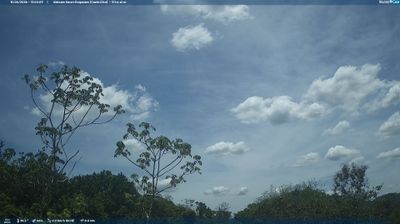
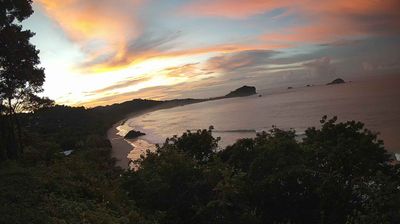
Welcome to the live streaming webcam for Tamarindo, perfectly situated in the vibrant region of Tamarindo, Коста-Рика. Watching this live camera allows you to instantly experience the local atmosphere and monitor current climate conditions.

About Тамариндо
Тамариндо — населённый пункт и одноимённый административный район на северном берегу Тихого океана Коста-Рики, провинция Гуанакасте. Население района 3525 человек, населённого пункта — 500 человек: во время туристического сезона и в праздники может возрастать до 5000 человек и более. Главные развлечения — серфинг и экологический туризм. Тамариндо получил статус города 27 ноября 1995 года. Вблизи Тамариндо расположен национальный морской парк Лас-Баулас, являющийся одним из важнейших мест гнездования кожистых морских черепах в восточной части Тихого океана.
📖 Read more on Wikipedia📍 Location Facts
-
Country
 Коста-Рика
- Region Гуанакасте
- City Tamarindo
- Coordinates 10.3006°N, -85.8416°E
Have you been to Tamarindo?
Help the community! Share your experience, tell us about the weather, or upload your own photos from this exact location.